Description
Game Introduction
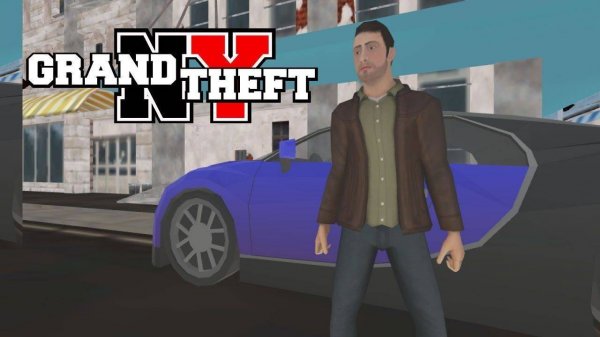
NY City Quest Online Adventure is a browser-based 3D game that places you in a vibrant recreation of New York City. The game focuses on urban exploration and completing assignments across a detailed open world. From skyscrapers to street corners, the city offers a safe playground for discovery. Designed for players of all ages, it captures the joy of navigating a bustling metropolis without mature content. The experience emphasizes freedom and lighthearted fun, making it accessible to everyone.
How to Play
How to play is straightforward. Use the arrow keys on your keyboard to move your character through the city. Your main goal is to reach specific control points marked on the map. The game includes over ten interactive levels. Each level lets you choose between structured missions with clear objectives or free exploration. The simple controls help you focus on sprinting, completing tasks, and finding hidden details across the urban landscape.
Game Features
Game features include an expansive 3D open world to explore. There are over ten interactive levels with varied goals. Players can switch between mission-based and free exploration modes. Controls rely only on arrow keys for easy learning. The setting is family-friendly and suitable for all ages. The game encourages curiosity and discovery without violence or mature themes.
Tips for Success
To succeed in NY City Quest Online Adventure, take time to explore each level thoroughly to find hidden details and shortcuts. Practice using the arrow keys to improve your movement efficiency. Prioritize completing missions to unlock new areas, but also enjoy free exploration to familiarize yourself with the city layout. Pay attention to the map to locate control points quickly. Stay patient and curious to fully enjoy the experience.
❓ Having issues?
✅ This game supports: - Desktop browsers (Chrome, Edge, Safari) - Mobile browsers (Chrome on Android, Safari on iOS) ❌ Does NOT support: - Internet Explorer - Very old browser versions 👉 Try refreshing or updating your browser